So… what is tcpdump?
Tcpdump is a command-line utility that captures network traffic from network interfaces. Also, it can read from network captures. This blog will cover syntax, options, and ways to use the tool for someone unfamiliar. This blog is also the first in a new series I am writing about the tools I use at work or for research. So, feedback will be appreciated. I may also reference researchers I enjoy reading, the business tips I have learned, and the programming projects I create and their purposes.
First thing. Tcpdump is available on a ton of different Linux distributions, but here is a simple Ubuntu Linux version that I have it opened in with the following:
man(ual) tcpdump
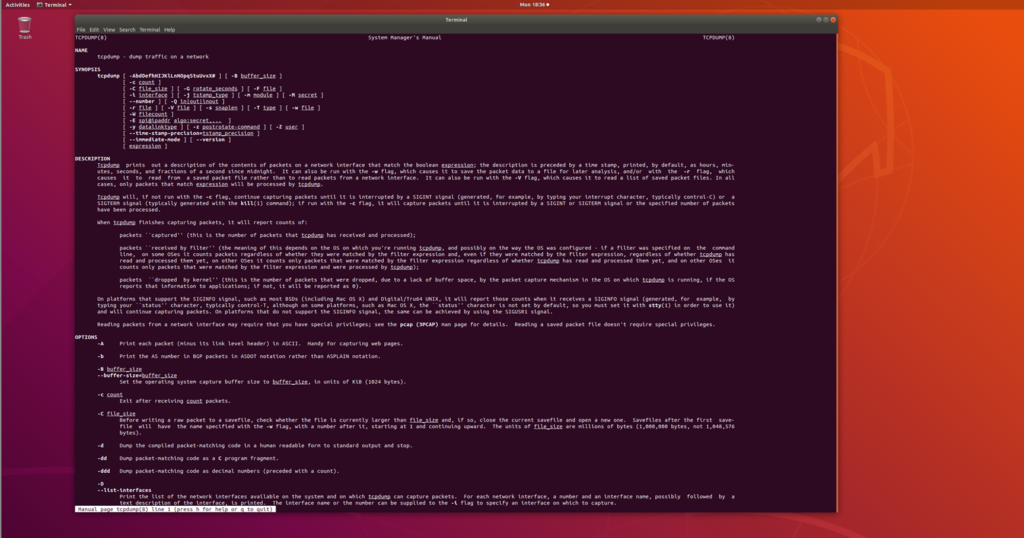
You can also get a shorter or cleaner list by running tcpdump –help.
Rather than type out what each parameter is, I offer you another screenshot for you to view:

Now, this is not every parameter, and it doesn’t include the ones I use most often, but it does include some highly valuable ones above.

In the screenshot above (notice I switched operating systems due to privilege issues), I started collecting a network capture and then quit with Ctrl-C.
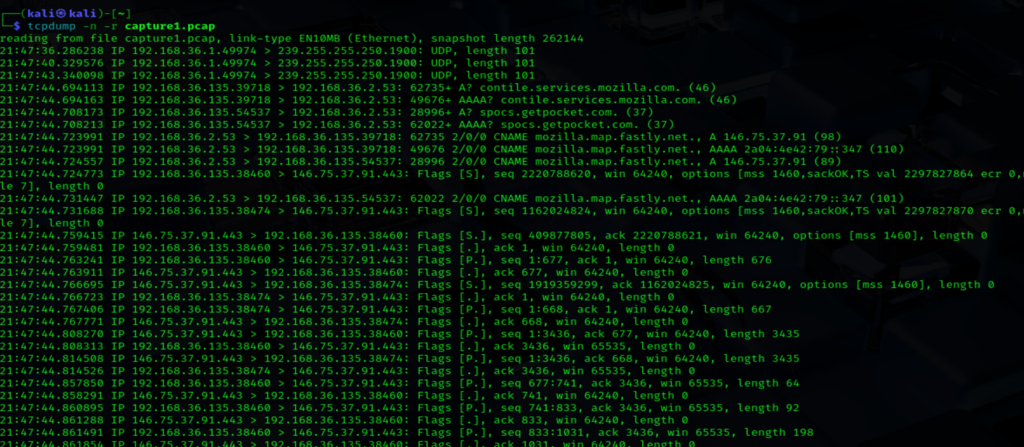
Here you can see some of the traffic that was collected.
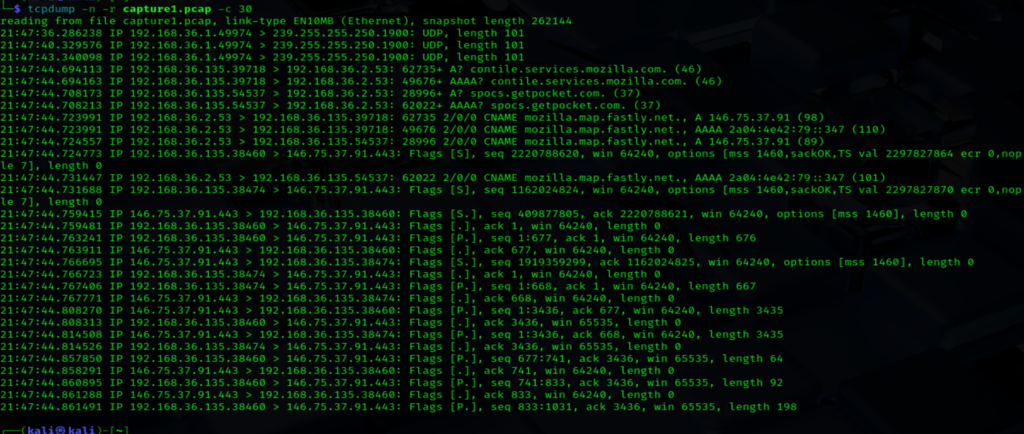
But let’s test out some of the optionality the tool provides. Below, I ran tcpdump with the -n (don’t resolve hostnames/ ports to services) and -r (read from file) parameters from our captured traffic (.pcap file) and asked it to display the first 30 packets.
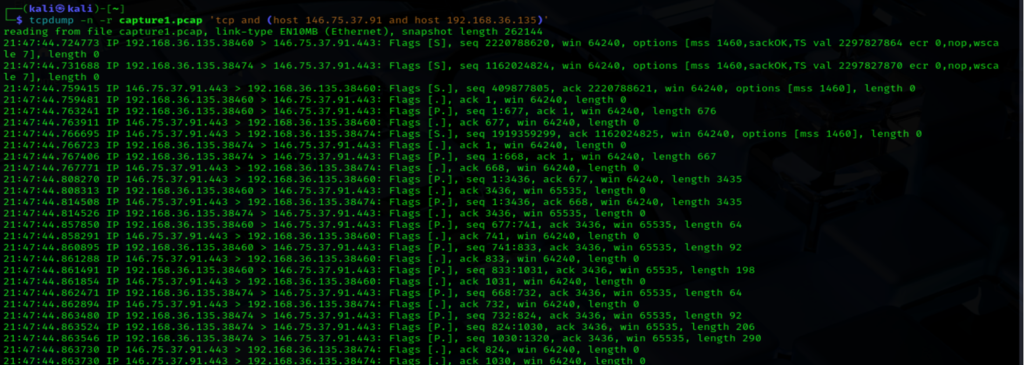
Now let’s look more specifically at a bidirectional conversation. Here I am reading from the same capture file but limited with the filters ‘tcp and (host 146.75.37.91 and host 192.168.36.135)’
Now that is great and all, but what does it mean? I mean, I see some IP addresses and maybe some flags, whatever those are, but is there anything more that this tool can show me?
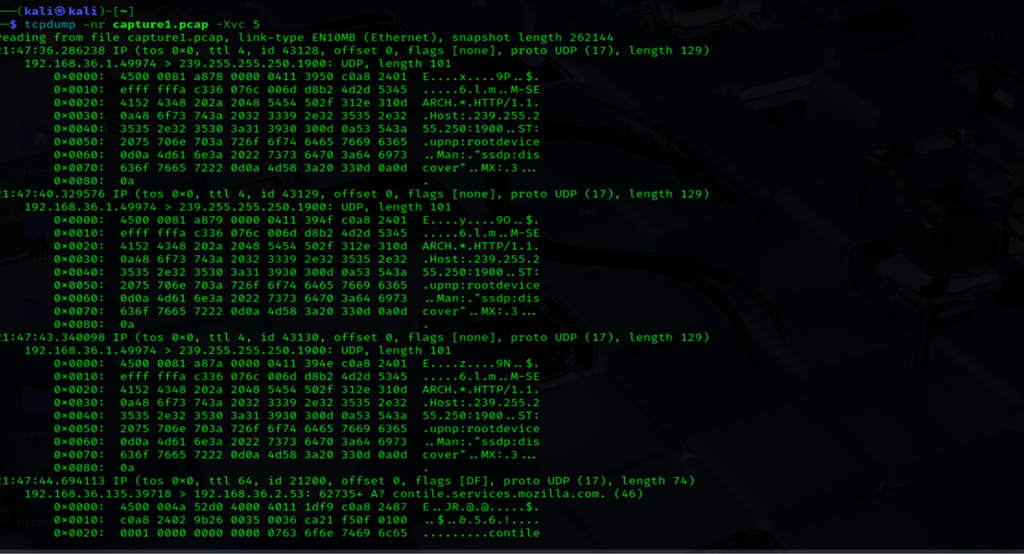
Yes, we can. Here we can see that we are now viewing hexdump information with verbose output for the first five packets’ contents.
Again, this may not be everything, but it is enough to get someone started.